

Run your stationery studio
from one calm place.
Pipeline, quotes, invoices, and client emails — in one place, instead of a spreadsheet, three browser tabs, and a Notes doc.
No credit card. Cancel anytime.
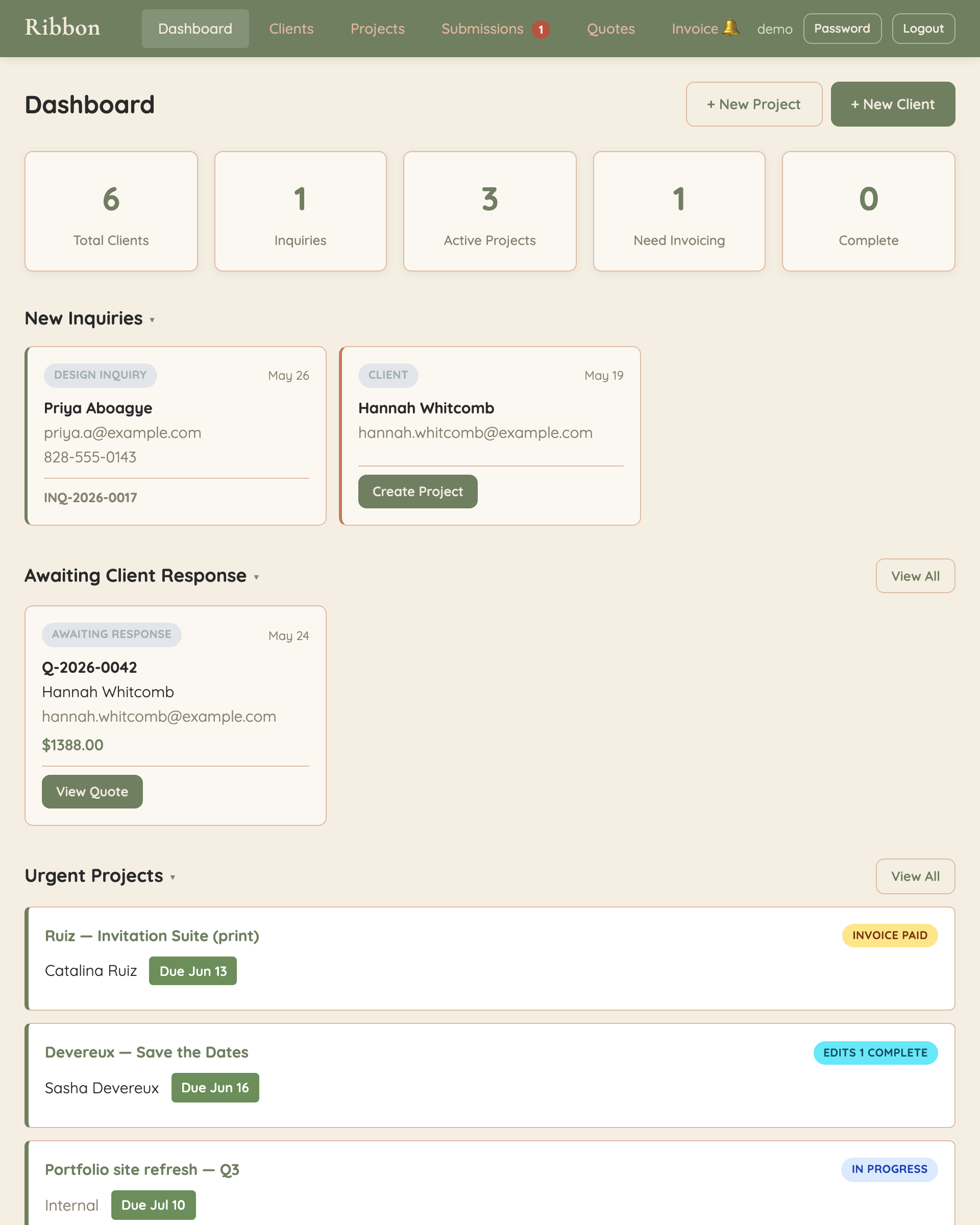
Pipeline, quotes, invoices, and client emails — in one place, instead of a spreadsheet, three browser tabs, and a Notes doc.
No credit card. Cancel anytime.
I built Ribbon because I was tired of running my own stationery studio out of a spreadsheet, three browser tabs, and my Notes app. Every inquiry meant copy-pasting between Gmail, a quote template in Google Docs, an invoice tool, and a checklist I kept losing. None of those tools were built for the way our work actually flows — from a first “hi, we’re getting married” email all the way to a mailed save-the-date.
Ribbon is the version I wished I had. It’s opinionated for stationery designers, kept simple on purpose, and built by someone still in the chair every week. If it helps you spend less time shuffling tabs and more time at your desk actually designing, that’s the whole point.
— Joe, Cierra Design Studio
The part of running a studio that should feel light, and usually doesn’t.
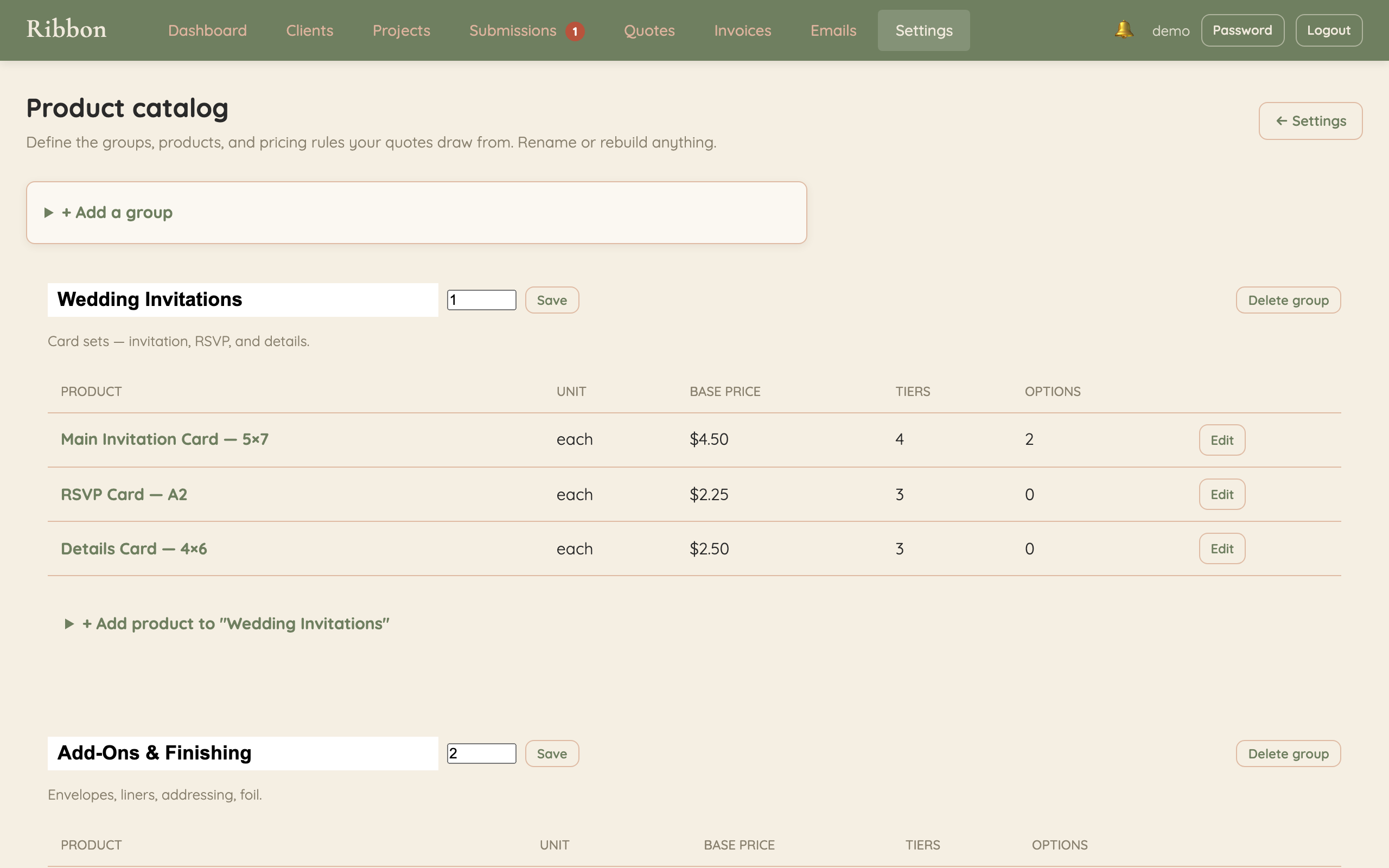
Your catalog lives in your settings. Card sets, envelopes, add-ons, the works — with quantity tiers so the price updates as the order grows.
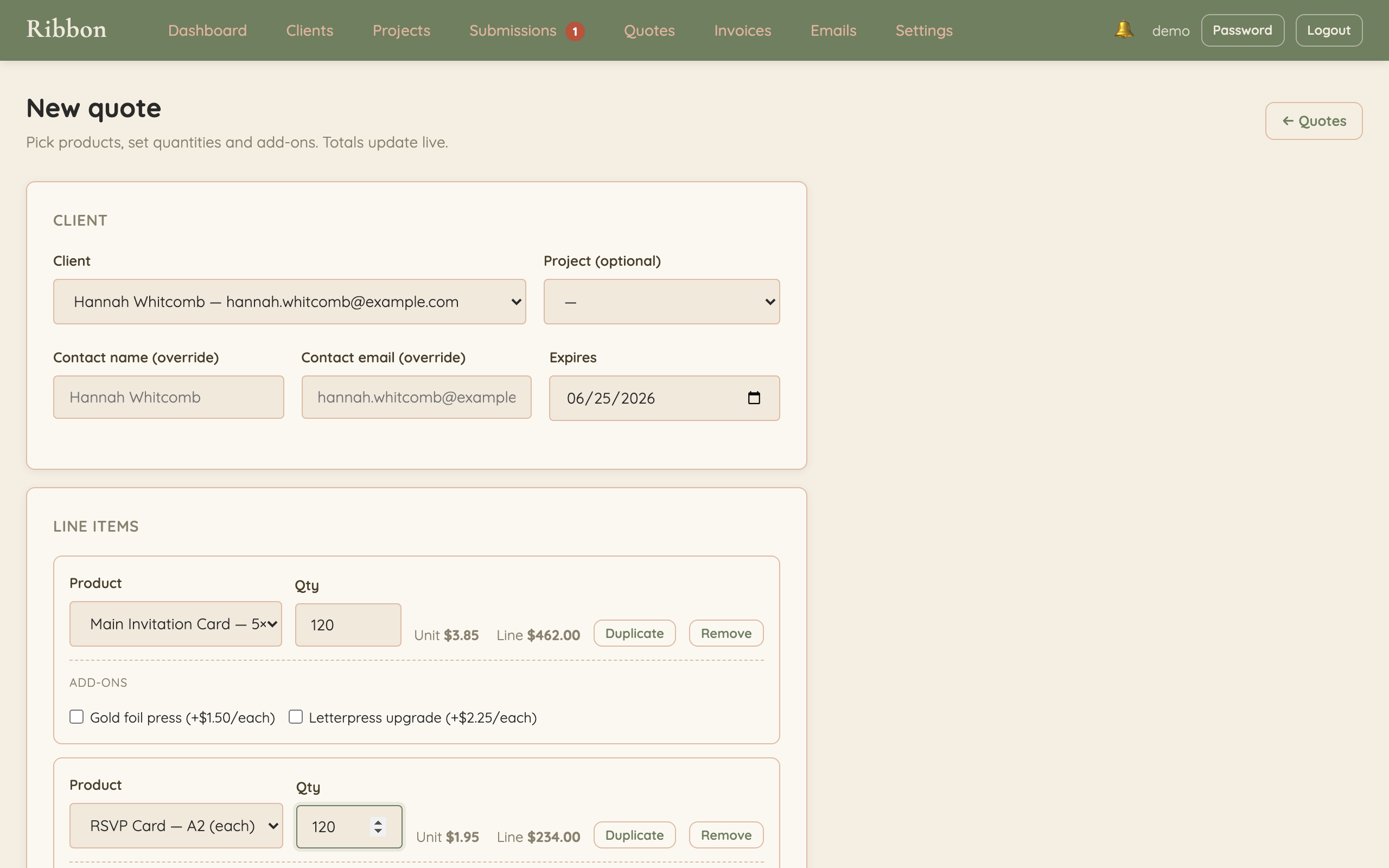
Pick a product, type a quantity, and the line total fills itself in from your tier. Stack add-ons, save a draft, duplicate for the next inquiry.
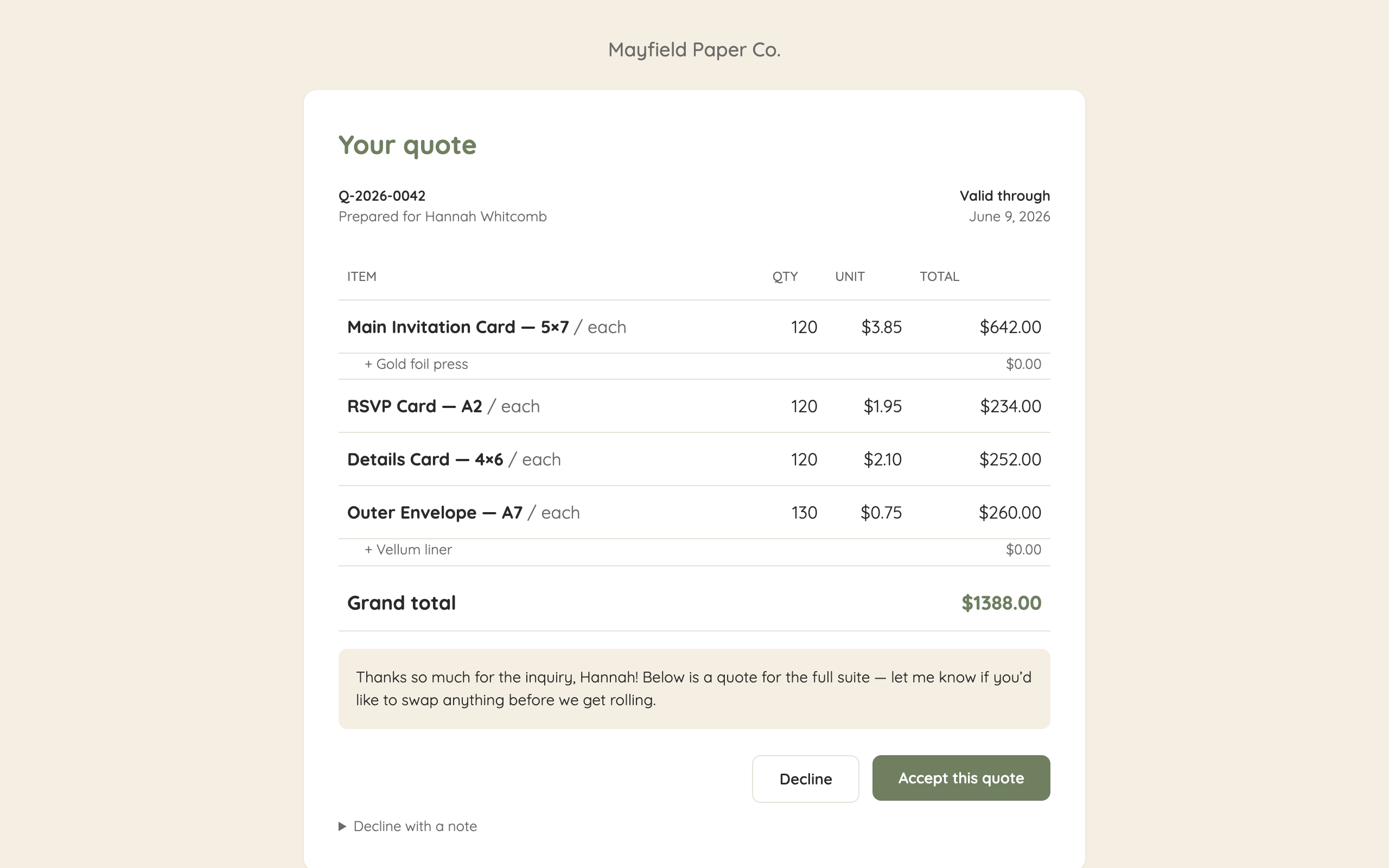
Your client opens a clean page in your colors, hits Accept or Decline, and the project moves itself into your pipeline. No PDF chase, no email back-and-forth.
A kanban board that mirrors how a wedding job actually moves.
Tier-priced line items, accept/decline links, single-click send.
Convert a quote to an invoice with one button. Mark paid, send a receipt.
Paste an iframe into ShowIt or Squarespace. Submissions land in one queue.
Sent from your colors, your logo, your reply-to address.
Review and approve incoming inquiries before they hit your pipeline.
Most studio software is built for everyone who freelances — photographers, planners, coaches, designers, all of them at once. Ribbon isn’t. It’s built around the specific shape of a stationery job: a save-the-date inquiry, a quantity-driven quote, a project that moves from consult to design to print to ship.
If you’ve been bending a generic CRM into shape, this is the version that already knows what a save-the-date is.
For most studios that try it: a tracking spreadsheet, a quote template in Google Docs, scattered email threads, and a Notes app full of client details. Sometimes a generic CRM you outgrew. The idea is one tool for the whole job — inquiry to invoice — instead of five tabs to keep in your head.
For now, yes. Other wedding-industry verticals are on the roadmap, but v1 is opinionated for stationery work specifically — quantity-driven quoting, save-the-date / invitation / day-of project flows, the works. That’s the whole point.
Probably only if quoting is the painful part. Honeybook and Dubsado are great at contracts and scheduling; Ribbon is great at tier-priced quotes and a pipeline that fits how stationery jobs actually move. If your spreadsheet does more for your quoting than your CRM does, give it a try.
You add a card and stay on. If you don’t, your workspace switches to read-only — you keep your data, you just can’t add new clients or send new quotes until you subscribe. No surprise charges. No data deleted.
No. If you grab a founding spot, $10/mo is locked in for as long as you’re subscribed. That’s the point of the offer.
Joe Biles, an active stationery designer running Cierra Design Studio. Ribbon is the studio software he uses every week, productized.
On a hosted Postgres database on Railway, encrypted in transit. Your data is yours — clients, projects, quotes, and invoices can all be exported to CSV from your workspace settings whenever you want.
Two weeks on the house. No credit card. See if it fits.
Start your 14-day trial